
No-app audience engagement software
Frictionless Audience Engagement Starts Here
Your audience taps a link, scans a QR code in the room, or opens the Zoom or Google Meet side-panel on the call -- and they're in, right in their browser. No apps to download, no microphones to manage. Web and direct-link joining work on every plan; QR codes come with the in-person channel and the side-panels with the online channel.
No credit card · Free forever for up to 25 audience members · 14-day full-feature trial
What You Get
QR Code Scan-to-Connect
Display a QR code on any slide. Audiences scan, open the link in their browser, and connect instantly -- no downloads, no sign-ups, no friction. An in-person channel: on Present In-Person, Present Everywhere, and the free plan.
Web Link or Direct Link
Share a simple web link or direct link and your audience joins from any browser -- on every plan, however you present. Every phone and laptop already has one, so you reach everyone, not just the tech-savvy.
Private to the Room
Every conversation is a private thread: no one else in the room sees who asked or what they asked (you do), encouraging honest questions and genuine engagement without fear of judgment.
Meeting Side-Panels
Running on Zoom or Google Meet? Attendees engage from the side-panel without ever leaving the call. On other platforms, share the link. An online channel: on Present Online, Present Everywhere, and the free plan.
Zero App Downloads
Eliminate the biggest barrier to audience participation. No app stores, no updates, no storage -- just a browser your audience already has open.
A Way In for Every Attendee
Traditional tools reach only the vocal minority. Web-first access gives everyone a way to ask -- including the shy, the remote, and the reserved.
Simple Setup, Powerful Results
- 1
Add Your Presentation
Upload your slides or share your presentation link. PresEngage generates your unique Audience Connect slide with QR code and join link automatically.
- 2
Share the QR Code or Link
Show the Audience Connect slide in the room, drop the link in chat, or open the meeting side-panel on the call -- whichever channel your plan covers. Attendees connect in their browser, no app needed.
- 3
Audience Engages in Their Browser
Attendees ask questions, share feedback, and view your materials right in their browser. AI answers instantly from your content while you present uninterrupted.
A Browser Makes Engagement Universal
By making the web the front door instead of an app, PresEngage® removes every barrier between your audience and engagement. No downloads, no sign-ups -- just a link, a QR code in the room, or a side-panel on the call. That's why the whole room can ask at once, each person from their own phone, instead of one raised hand at a time. In-person rooms can also add optional pay-per-use SMS Q&A, available with Present In-Person and Present Everywhere.
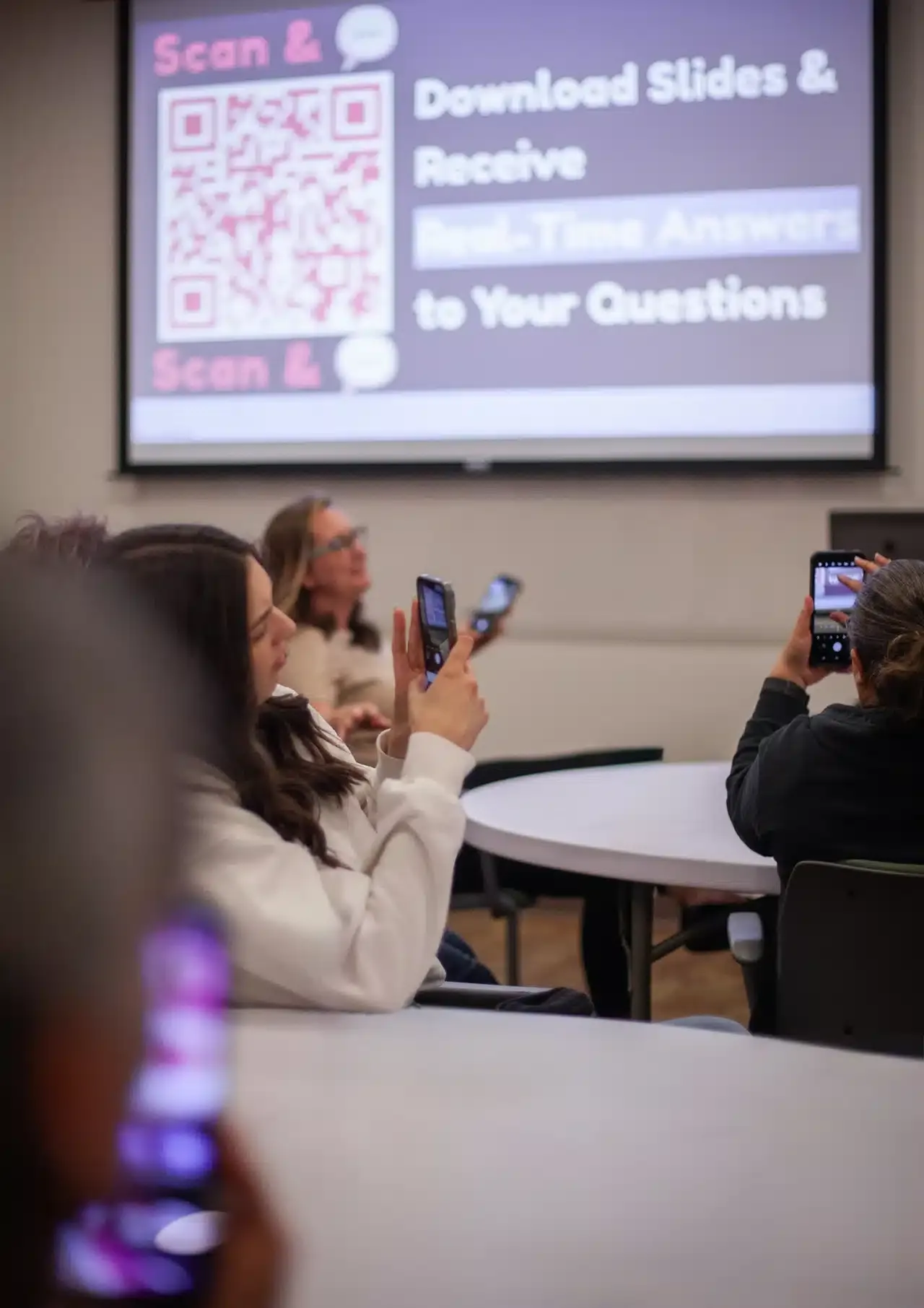

Connect Your Audience Fast
From the moment your Audience Connect slide goes up, attendees are scanning, tapping the link, and engaging in seconds -- right in their browser. No queues at a microphone, no app store detours -- just instant participation from the entire room.
See It In Action
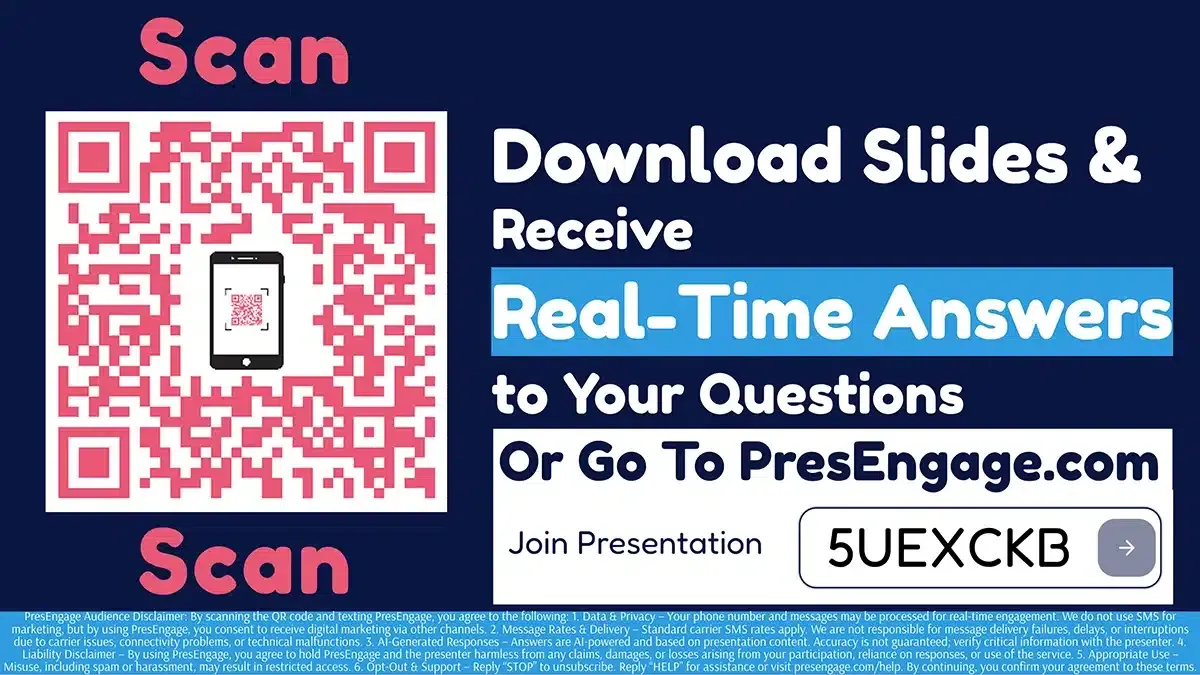
Audience Connect Slide
Audience Connecting to PresEngage
Prefer to submit in detail? Try Advanced Submission.
Related guides
Get the whole room talking
Connecting your audience is step one. These guides help you fill that first frictionless moment with icebreakers, polls, and questions that pull every voice in.
- Icebreakers & team gamesWarm up any room — virtual, hybrid, or in person — and get every voice talking from minute one.
- Live polls & schedulingPoll questions and formats that gather a decision and pull the room in at the same time.
- Team building activitiesQuick activities that turn coworkers into a team and break the silence on remote calls.
- Good icebreaker games that landOur pillar roundup of icebreakers built to pull in every attendee, not just the loud ones.
- Funny poll questions that keep everyone inLight-hearted prompts that boost participation without feeling like a survey.
Connect Your Next Audience in Seconds
Join presenters who engage their entire audience, not just the vocal few.
No credit card · Free forever for up to 25 audience members · 14-day full-feature trial