
Share slides & links with your audience
Share Slides, Resources & Links with Your Audience
Your audience wants more -- give it to them instantly. Share slides, resources, links, and downloads to your audience's Content tab, open in any browser. No app to download, no email addresses needed, no forms to fill out.
No credit card · Free forever for up to 25 audience members · 14-day full-feature trial
What You Get
One-Click Distribution
Share any resource with your entire connected audience in a single click. Slides, PDFs, links, videos -- anything you want to share.
Right in Their Browser
Shared slides, materials, and links appear in the audience's Content tab -- open on any device, no app to download, no email inbox to check.
Persistent Access
Shared content stays available at the audience's link. They can revisit your slides and resources weeks or months later without searching.
Share During or After
Distribute content in the moment or schedule it for post-presentation follow-up. Timing is in your control.
Simple Setup, Powerful Results
- 1
Upload Your Content
Add the files, links, or resources you want to share to your PresEngage dashboard.
- 2
Click Share
Select your content and share it with your connected audience. Every attendee who tapped your link, scanned your QR code, or joined from the meeting side-panel sees it instantly in their browser Content tab.
- 3
Audience Accesses Anytime
Content stays available at their link. No app, no email, no account needed -- just open and access.
Your Audience Wants More
When attendees ask 'Can you share those slides?', the answer should be instant. Share Content eliminates the post-presentation scramble of collecting emails, sending follow-ups, and hoping your message lands. Shared in the browser, your resources reach every attendee immediately and stay accessible in their Content tab.
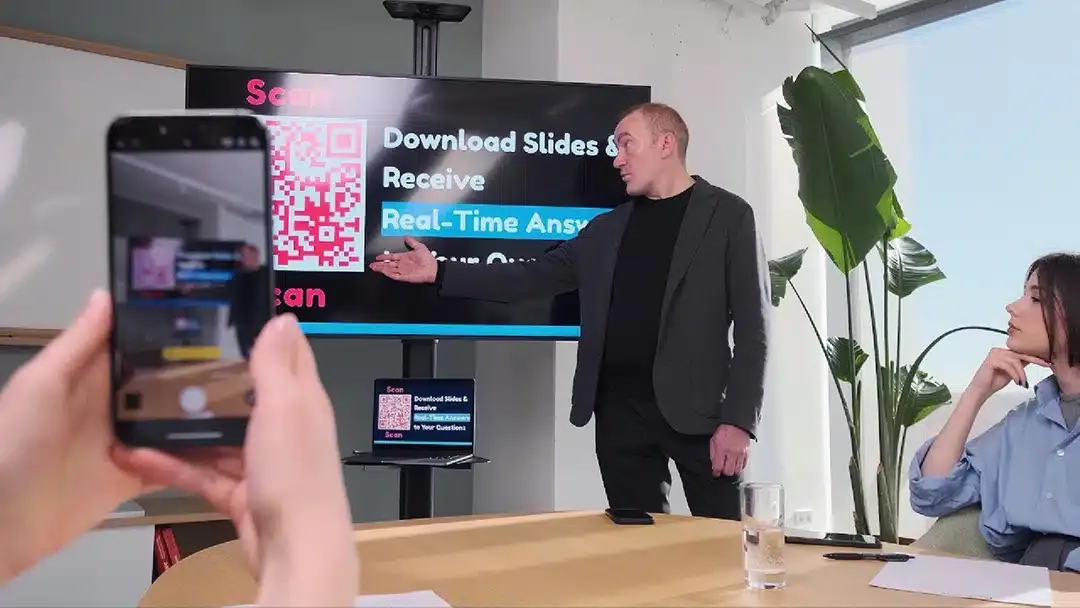
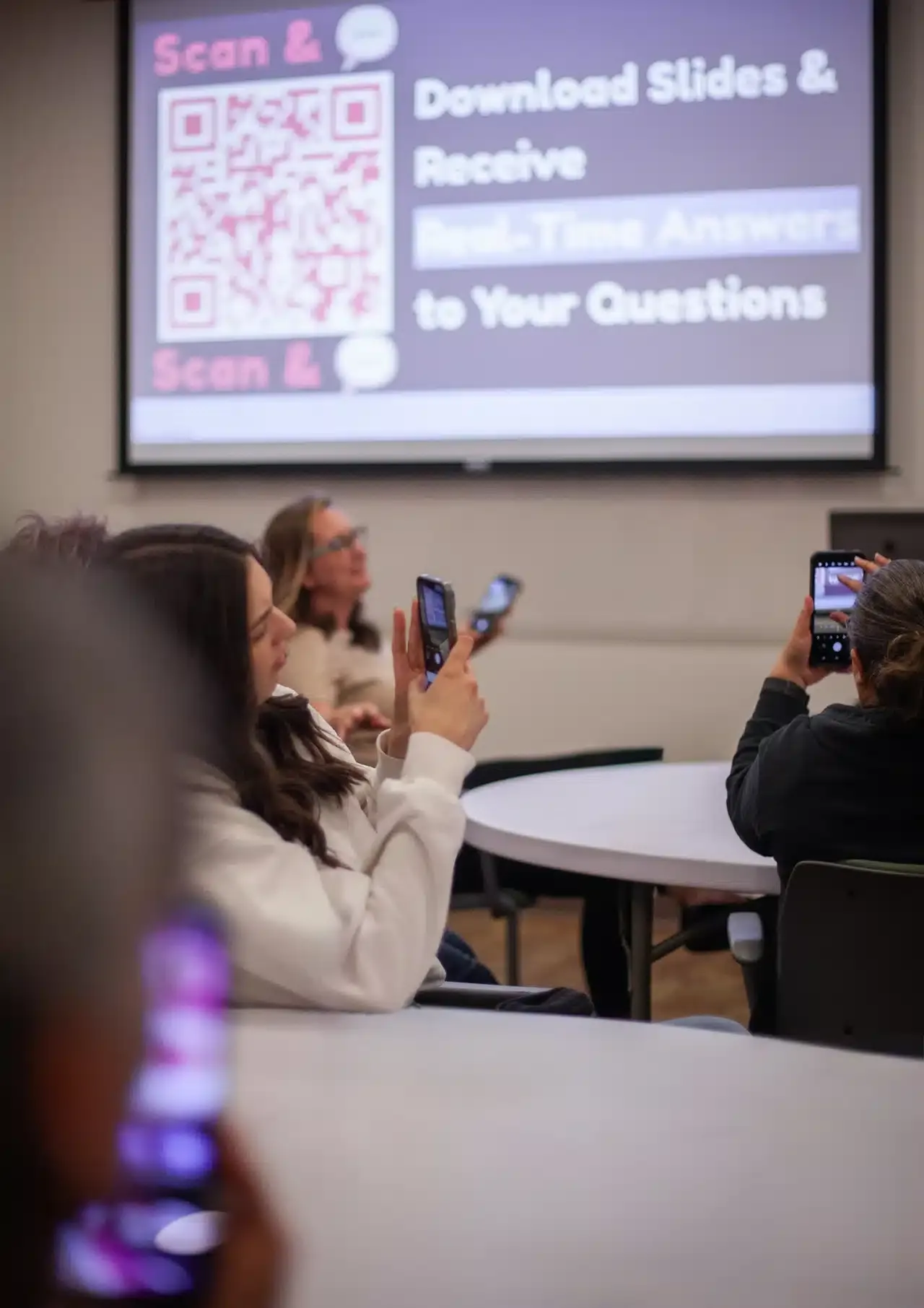
One Scan Keeps Them Connected
The same link -- or QR scan, in an in-person room -- that connects your audience keeps the channel open for everything you share. Slides, links, and resources appear in their Content tab the moment you send them -- and stay there for good.
Prefer to submit in detail? Try Advanced Submission.
Related guides
Sharpen your presentation toolkit
Instant sharing is one less thing between you and your audience. These guides cover the tools and interactive techniques that smooth the mechanics so the connection takes over.
- Presentation tools & techClickers, sharing, and digital wallets that remove friction from presenting.
- Interactive presentation ideasSlideshow techniques and formats that keep an audience leaning in.
- The right presentation clickerOur pillar guide to the gear that lets you present without looking back at the screen.
- 10 interactive presentation ideasProven formats that turn a passive deck into a two-way conversation.
Share Content Instantly, Not Eventually
Put your resources directly in your audience's hands -- no email required.
No credit card · Free forever for up to 25 audience members · 14-day full-feature trial