
Smart Prompt & audience follow-up
Smart Prompts That Engage Listeners at the Right Moments
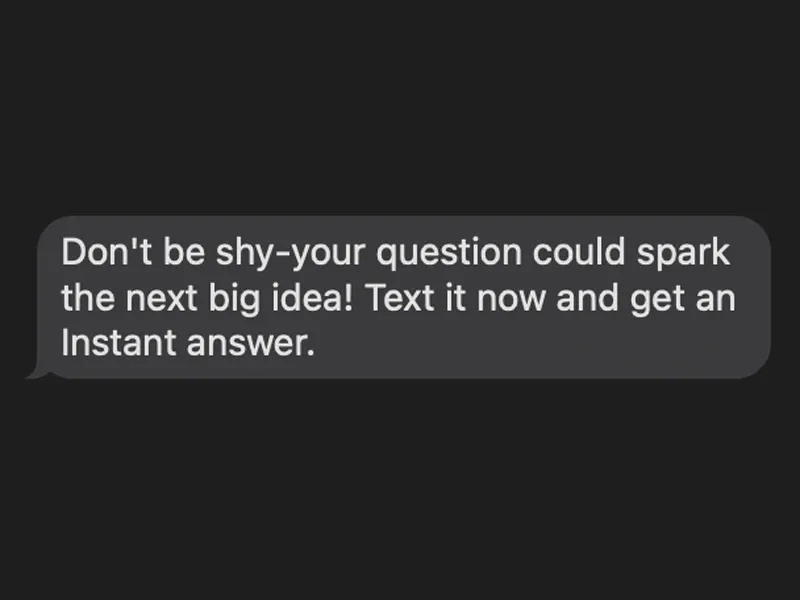
A nudge for the attendees who haven't asked yet. Smart Prompt sends the message you wrote, after a delay you set, to connected attendees who haven't asked anything. Smart Follow-Up keeps the conversation going after the talk.
No credit card · Free forever for up to 25 audience members · 14-day full-feature trial
What You Get
You Set the Delay
Pick 5, 10, 15, 20 or 30 minutes (15 by default). Smart Prompt reaches an attendee who has been connected that long without asking anything, once, counted from when they joined.
Your Words
You write the prompt message (a friendly default is provided) and attendees get exactly your wording. After the talk, Smart Follow-Up emails attendees who asked questions a personalized note, and everyone else your default message.
CRM-Ready Leads
Every interaction captures contact data. Questions, interests, and engagement signals flow directly to your CRM via Zapier.
See What They Ask
Every question and answer lands in your Messaging Center, and Audience Intelligence shows the key themes and the most frequently asked questions, with counts.
Simple Setup, Powerful Results
- 1
Switch It On and Write Your Message
In the Choose Presenter Tools step, turn on Smart Prompt (it stays off until you do), write the nudge or keep the friendly default, and pick a delay.
- 2
Quiet Attendees Get Your Nudge
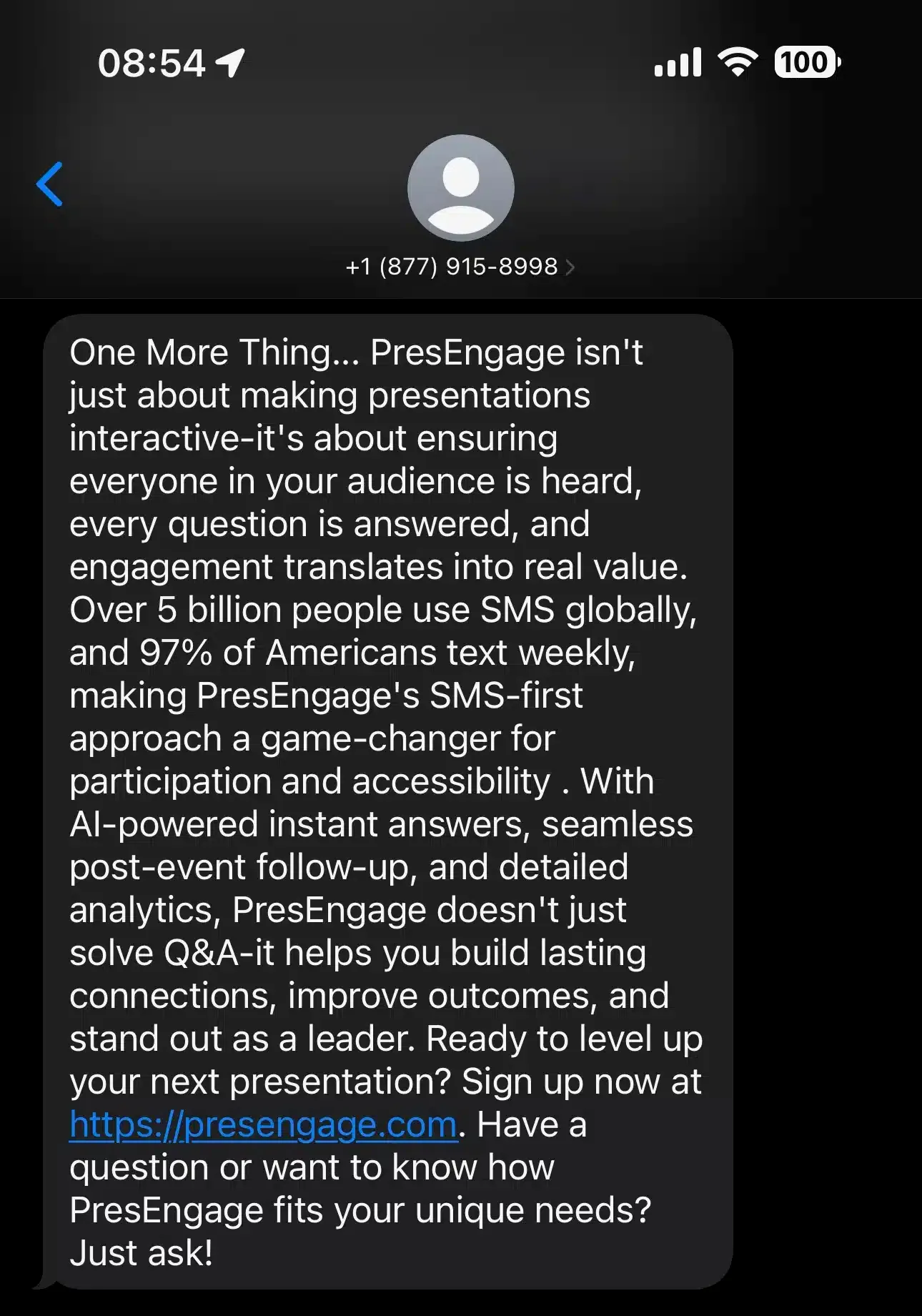
An attendee who has been connected for your delay without asking anything gets your message once: as a text or WhatsApp message (for SMS and WhatsApp audiences), in their web Q&A page, or in the Zoom or Google Meet side panel while it is open.
- 3
They Ask, You Follow Up
Attendees ask their question, the AI answers from your material, and anything it can't cover comes to you. Their data flows to your pipeline. One presenter captured 89 leads in 50 minutes at Boulder Startup Week.
Your Message, Your Timing
Most presenters lose their silent majority -- the attendees who are interested but never raise a hand. Smart Prompt reaches those quiet attendees with a message you wrote, after a delay you chose. It goes only to people who have connected but haven't asked anything yet, and nobody gets it twice.
Follow Up Without Lifting a Finger
After you present, Smart Follow-Up emails your audience for you: on by default for new presentations and free to send, 1 to 7 days later at the hour you pick. Attendees who asked questions get a personalized note that references what they asked, everyone else gets your default message, and the calls to action you set appear as buttons in the email. Texts to attendees who connected by SMS are a separate opt-in switch, and they never carry links.
See It In Action
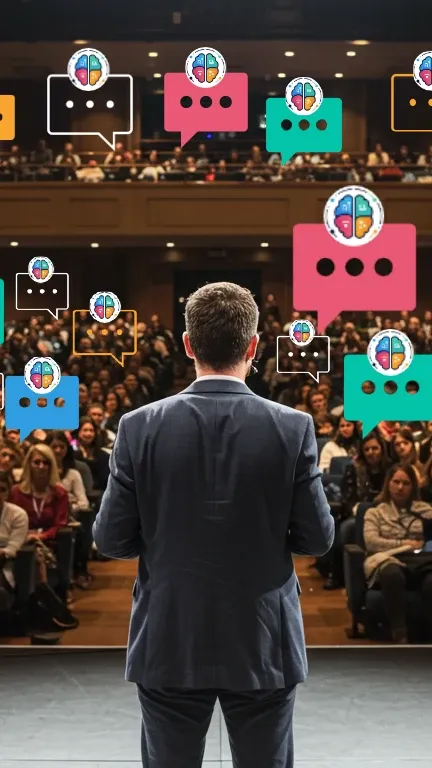
Presenting with PresEngage
Prefer to submit in detail? Try Advanced Submission.
Related guides
Keep the conversation going
The best follow-up is part of a bigger communication rhythm. These guides cover the internal-comms strategy and channels that make your message land — and keep landing after the room clears.
- Internal comms & engagementStrategy and channels that reach every employee, not just the ones in the room.
- Internal communications that reach everyoneOur pillar guide to making a message land and the conversation continue.
- Why SMS reigns supreme in modern marketingHow conversational, text-first follow-up out-converts the inbox.
- 89 leads in 50 minutesThe follow-up playbook behind a single talk that captured 89 qualified leads.
Stop Losing Your Silent Majority
Convert quiet attendees into engaged participants and qualified leads.
No credit card · Free forever for up to 25 audience members · 14-day full-feature trial