
Audience engagement analytics
Audience Analytics That Help You Improve
Every question, every interaction, every signal -- captured and analyzed. Understand what resonated, what confused, and what your audience truly cares about.
No credit card · Free forever for up to 25 audience members · 14-day full-feature trial
What You Get
Engagement Analytics
Track participation rates, question volume, peak engagement times, and interaction patterns across all your presentations.
Trending Questions
See which topics generate the most audience interest. Identify recurring themes to refine your content and messaging.
Real-Time Dashboard
Monitor audience engagement as it happens. See questions flowing in, sentiment shifting, and participation growing in real time.
Content Insights
Discover which slides spark questions, which points need clarity, and where your audience loses interest.
Sentiment Analysis
Gauge audience reaction beyond questions. Understand emotional response to help you connect more deeply next time.
Exportable Reports
Download comprehensive engagement reports. Share insights with stakeholders and track improvement over time.
Simple Setup, Powerful Results
- 1
Present as Normal
Audience Intelligence works silently in the background. No extra setup -- just present with PresEngage enabled.
- 2
Data Collects Automatically
Every audience interaction is captured: questions asked, topics explored, engagement timing, and participation rates.
- 3
Review Your Insights
After your presentation, access your analytics dashboard. See what worked, what didn't, and what to improve next time.
Data at a Glance
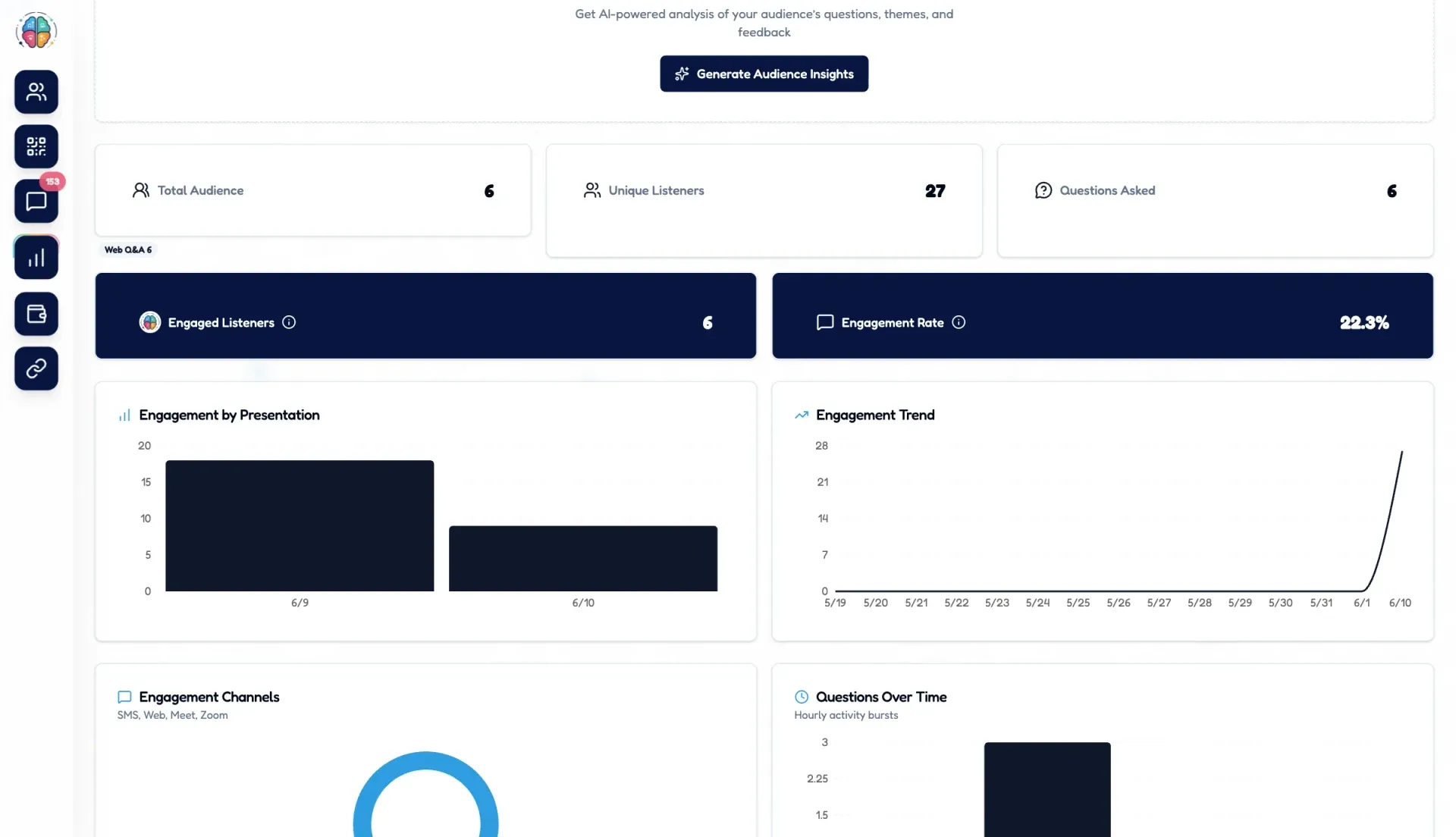
The Audience Intelligence dashboard gives you a comprehensive view of every presentation's performance. Track audience connections however your audience joined -- QR scans in the room, link and side-panel joins online -- plus unique listeners and questions asked. Compare engagement across events, and identify the content that drives the most audience interaction. Use these insights to continuously improve your presentations and deliver more impactful experiences.
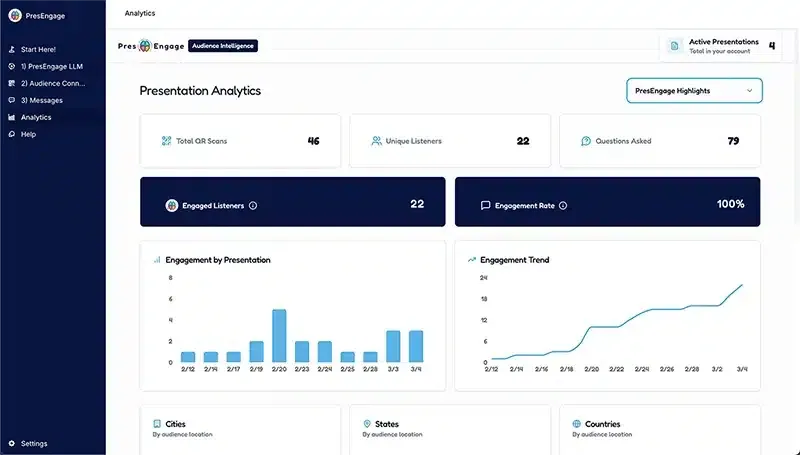

Every Signal, Captured
Connections, listener counts, questions asked -- Audience Intelligence turns the activity of every presentation into clear metrics, and it reports on the channels you actually use (QR scans for in-person rooms, link and side-panel joins for online talks). See exactly how your audience engaged, then use that data to sharpen your next talk.
See It In Action
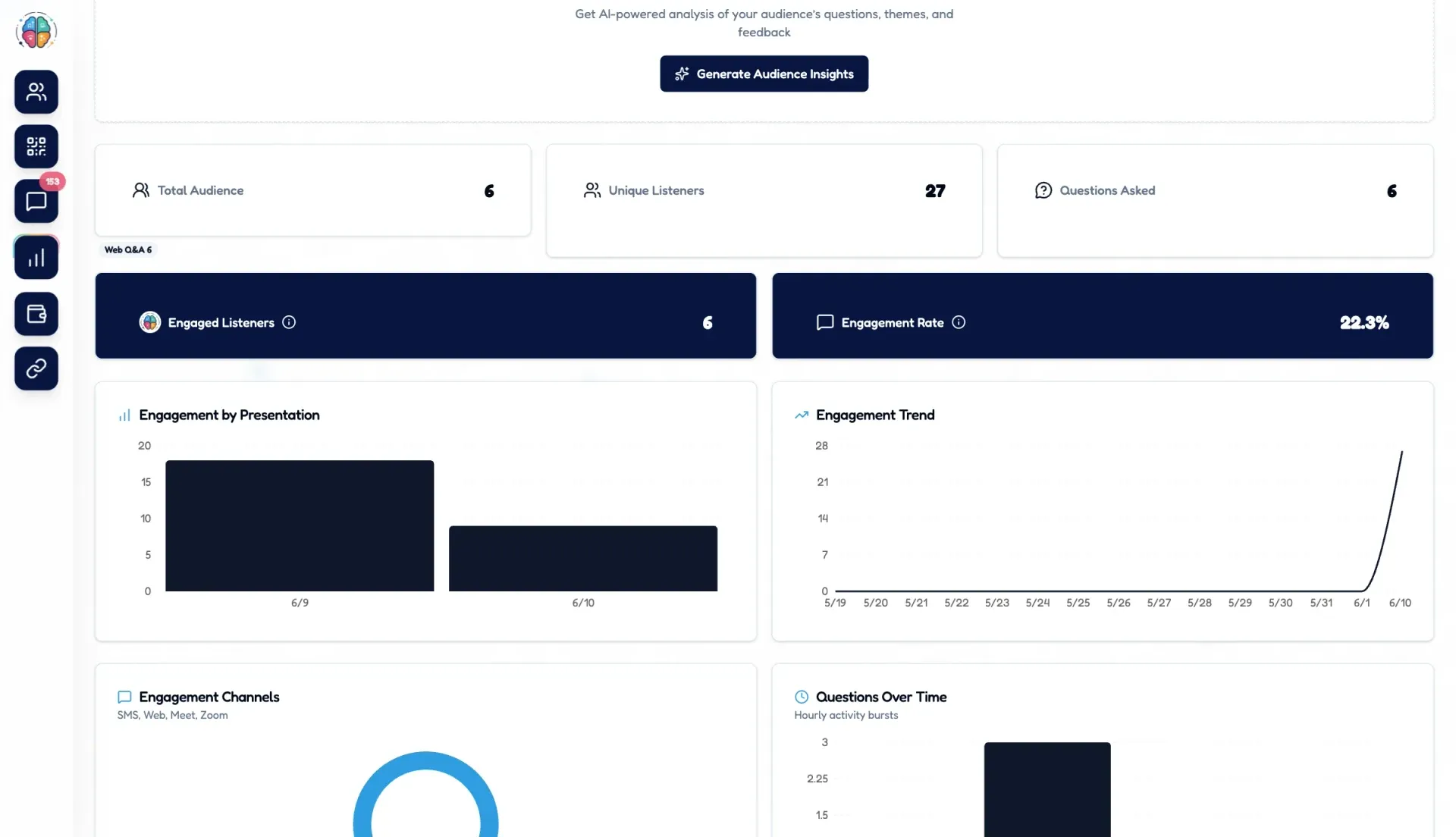
PresEngage Audience Intelligence for Presenters
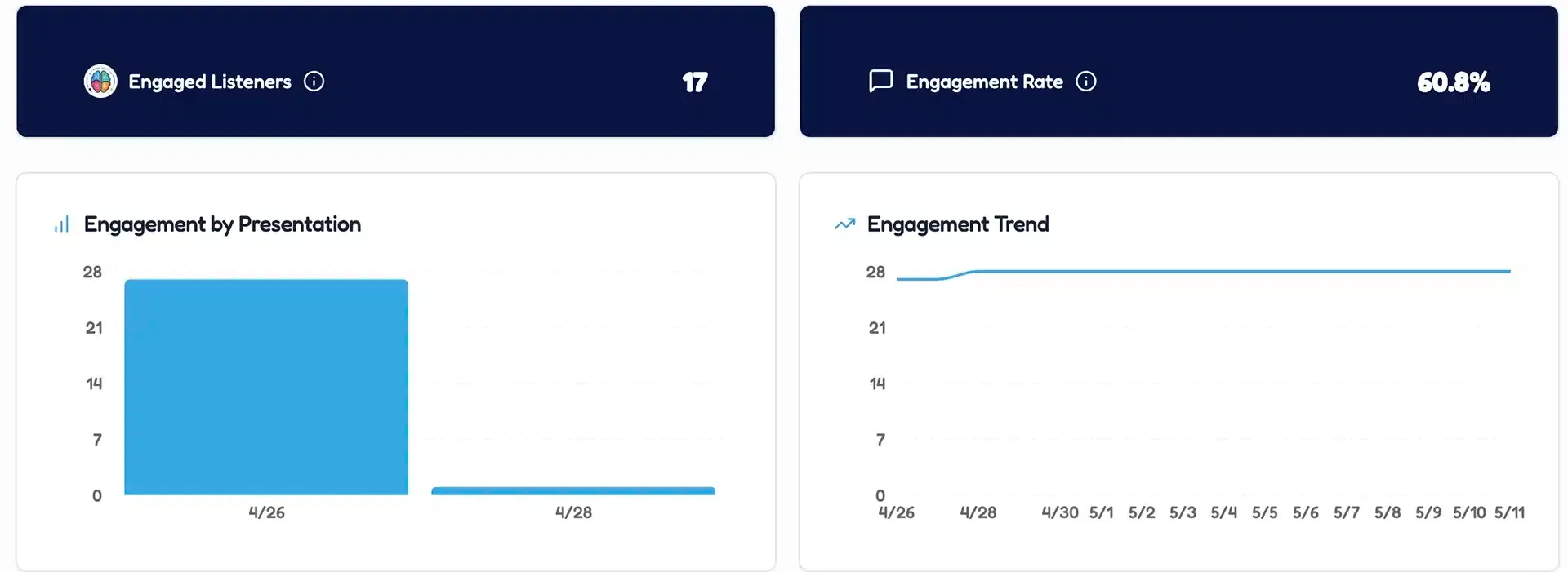
Audience Engagement Analytics
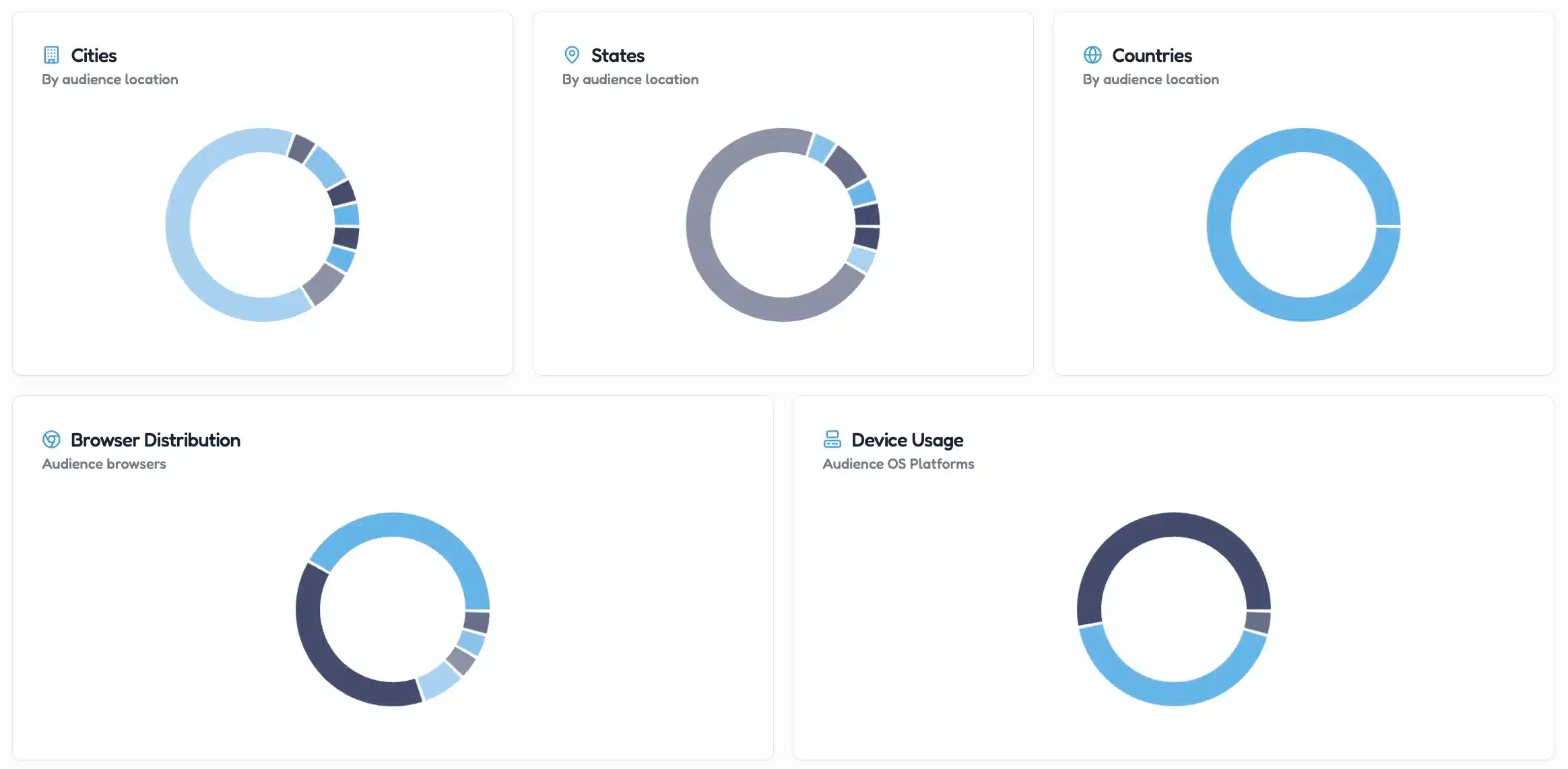
Audience Data
Prefer to submit in detail? Try Advanced Submission.
Related guides
From insight to action
Engagement data is only useful if it changes what you do next. These guides cover the surveys, recognition, and feedback frameworks that turn what you measure into real change.
- Employee engagement & surveysEngagement activities, recognition ideas, and survey questions that lift real participation.
- Performance & feedback360-feedback tools and review templates that turn feedback into growth and trust.
- Engagement activities that boost participationThe steady drumbeat of activities and listening that makes people want to show up.
- 360-feedback tools that foster growthThe tools and phrasing that make reviews build trust instead of bruising it.
- The research behind engagementStats and studies on why interactive engagement drives measurable results.
Start Making Data-Driven Presentations
Turn every presentation into a learning opportunity with actionable audience insights.
No credit card · Free forever for up to 25 audience members · 14-day full-feature trial