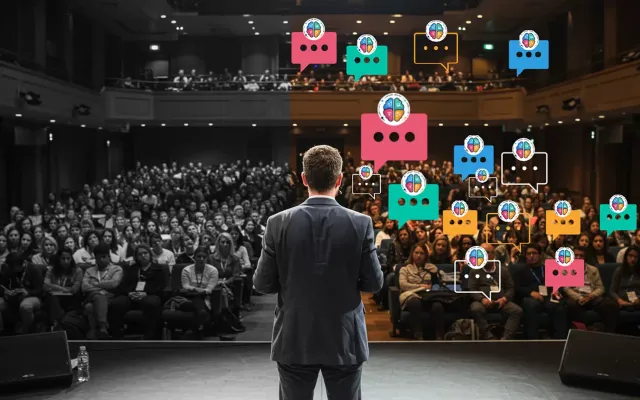
Audience interaction tools let an audience actively participate during a presentation, meeting, or event — voting in polls, answering quizzes, submitting and upvoting questions, and reacting in real time — usually from their phones with no app. They exist to stop sessions from going one-way, and the best 2026 tools add AI that answers the audience from the presenter’s own content.
This is a focused companion to our best audience engagement software in 2026 ranking — start there for the full tool-by-tool comparison. Below is how to think about the interaction itself.
The types of audience interaction
- Polls and votes — the fastest way to involve everyone and read the room.
- Quizzes — competition and recall, great for training and learning.
- Live Q&A with upvoting — the room surfaces its own best questions.
- Word clouds and open text — collective, visual, qualitative input.
- Reactions — lightweight live feedback (emojis, applause) during a talk.
- AI answers — the interaction attendees remember most: asking a question and being answered instantly, from the presenter’s own material.
Events vs. meetings: what changes
The right interaction depends on the room:
- Events and conferences prioritize scale (app-free joining for big audiences), lead capture for sponsors and exhibitors, and AI handling a full room’s questions so no one is ignored. See our event Q&A guide.
- Meetings and town halls prioritize anonymity for honest input, quick pulse checks, and decisions — getting a distributed team to actually weigh in.
What to look for
- App-free joining (web link or QR code).
- The interaction types you need — polls, quizzes, Q&A, or all three.
- Anonymous mode for candor.
- Free-tier audience cap sized to your room.
- Whether the tool answers questions or only collects them.
- Lead capture for prospect-, donor-, or recruit-facing sessions.
For the ranked comparison of tools on these dimensions, see the best audience engagement software in 2026.
Where PresEngage® fits
PresEngage concentrates on the interaction attendees remember — moderated, upvoted Q&A, and an AI Co-Presenter that answers their questions live from your own content in 100+ languages. It also captures attendees as leads and automates follow-up, with app-free joining. Free plan; paid from $29/month. If you are choosing tools before you have a format, start with the mechanics of running a live Q&A and let that pick the tool.
FAQ
What are audience interaction tools? Tools that let an audience participate live during a presentation or event — through polls, quizzes, live Q&A, word clouds, and reactions — usually from their phones with no app required.
Are there free audience interaction tools? Yes — most offer a free tier, with participant caps and feature limits that vary widely. PresEngage’s free plan includes its AI Co-Presenter; see the comparison for details.
What’s the best audience interaction app for large events? For big rooms, prioritize app-free joining at scale, moderated Q&A, and (for sponsors) lead capture. PresEngage adds AI that answers a full room’s questions so none go unanswered.
Stop talking at your audience. Start free with PresEngage.
Don't take our word for it — be the audience.
This is a real PresEngage presentation, trained on PresEngage itself. Ask it anything and get a live, AI-generated answer on your device — no signup.
You Finish. Your Presentation Doesn't.
Free forever for up to 25 audience members — start with a 14-day free trial.
No credit card · Free forever for up to 25 audience members · 14-day full-feature trial
Keep exploring