Live Q&A software lets an audience submit questions in real time during a presentation, meeting, webinar, or event — usually with upvoting, so the most-wanted questions rise to the top — and the newest tools answer those questions automatically with AI from the presenter’s own content. It’s the fastest way to make a large or remote audience feel heard without letting Q&A descend into chaos.
This is part of our audience engagement software cluster.
What live Q&A software does
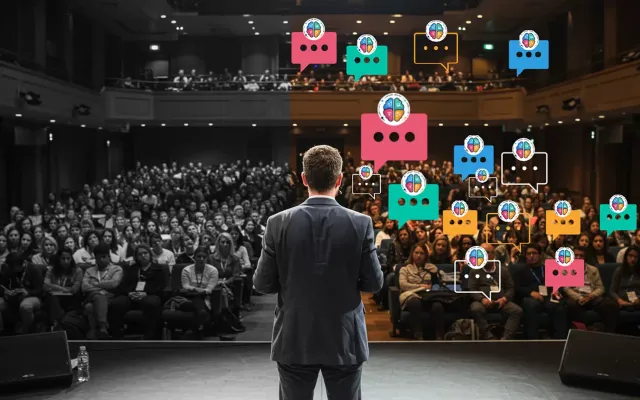
- Collects questions from everyone. Attendees type questions on their phones — no mic, no waiting for a runner.
- Upvoting surfaces the best ones. The room votes; the top questions rise. You answer what people actually care about instead of whoever shouted first.
- Moderation keeps it clean. Approve, dismiss, or group questions; filter profanity; mark questions answered.
- Anonymous mode unlocks honesty. People ask the real questions when they don’t have to attach their name.
- AI can answer for you. The newest capability: an AI co-presenter answers submitted questions instantly from your uploaded slides and documents, so no question goes unanswered even at scale.
Why upvoting is the feature that matters
In a traditional Q&A, the loudest or most senior voice dominates and quiet attendees never speak. Upvoting flips that: every attendee gets a say in which questions get answered, the room self-prioritizes, and you spend your limited time on what’s most valuable to the most people. For town halls and all-hands especially, this is the difference between a real conversation and a formality. The upvote is the mechanism; the session still needs a plan — how to run a live Q&A that doesn’t die after two questions covers the seeding and moderation around it.
What to look for
- App-free joining (web link, QR code) — anything else suppresses participation.
- Upvoting and moderation — non-negotiable for anything bigger than a small team.
- Anonymous option — for honest questions in feedback-sensitive settings.
- AI answering from your content — to handle volume and the long tail of questions you can’t reach.
- Meeting-platform integration — Zoom, Teams, Meet, Webex if you present remotely.
- Export and analytics — so unanswered questions become follow-up actions.
Where teams use it
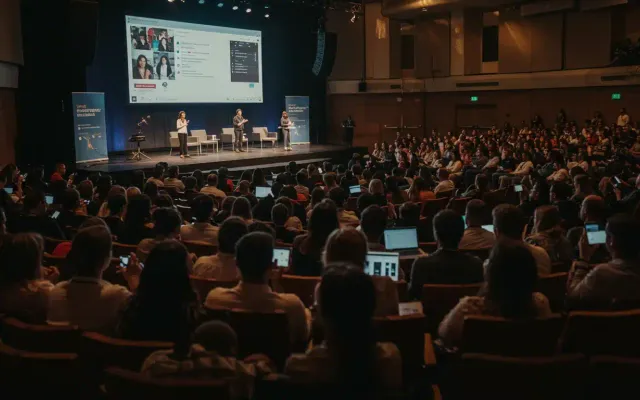
- Conferences and events — event Q&A that scales to a full room.
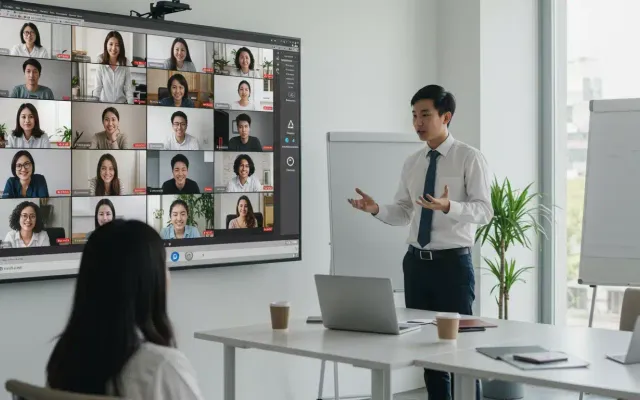
- Webinars and virtual events — answer every attendee, not just five.
- Town halls and all-hands — surface and answer the questions employees actually have.
- Training and education — let learners ask freely and get grounded answers.
How PresEngage® does live Q&A
PresEngage combines moderated, upvotable live Q&A with its AI Co-Presenter, which answers submitted questions instantly from your own slides and documents in 100+ languages. Attendees join app-free, and because PresEngage also captures attendees as leads, the questions people ask can feed your follow-up. Free plan available; paid from $29/month.
FAQ
What is live Q&A software? Software that lets an audience submit and upvote questions in real time during a presentation or event, with moderation tools — and, in the newest platforms, AI that answers questions from the presenter’s own content.
What’s the best Q&A app for events? Slido is the established name for meeting and event Q&A; PresEngage adds an AI co-presenter that answers questions live from your slides and captures attendees as leads. Choose based on whether you need answers and leads or just question collection.
Can the audience ask questions anonymously? Yes — most live Q&A tools, including PresEngage, support anonymous questions, which significantly increases honest participation.
Do attendees need to install anything? No. They join in the browser by web link or QR code. Some platforms, PresEngage included, also offer SMS joining as a paid add-on for in-person rooms.
Make your next Q&A unmissable. Start free with PresEngage.
Don't take our word for it — be the audience.
This is a real PresEngage presentation, trained on PresEngage itself. Ask it anything and get a live, AI-generated answer on your device — no signup.
You Finish. Your Presentation Doesn't.
Free forever for up to 25 audience members — start with a 14-day free trial.
No credit card · Free forever for up to 25 audience members · 14-day full-feature trial
Keep exploring