
Start here · The pillar
Best Presentation Clicker Tools to Command the Room
Compare the best presentation clicker tools for seamless slides, and pair them with live engagement so you control the room, not just the deck.
Read the pillar guide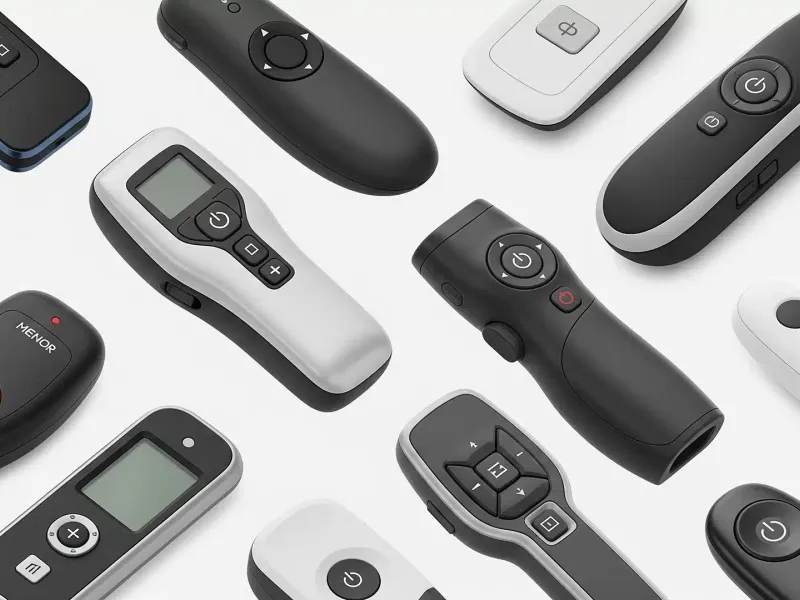
5 guides · Topic cluster
The right tools fade into the background and let the connection take over. This collection covers the gear and tech — from clickers to instant sharing — that remove friction from presenting. Read the pillar, then upgrade the part of your setup that slows you down.
Compare the best presentation clicker tools for seamless slides, and pair them with live engagement so you control the room, not just the deck.
Read the pillar guide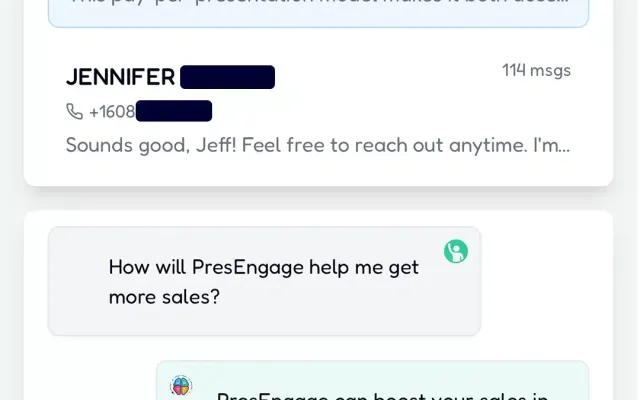
Put a QR code on your slide and let the whole room join your deck or Q&A in one scan. Where to place it, how big to make it, and what kills scans.
Read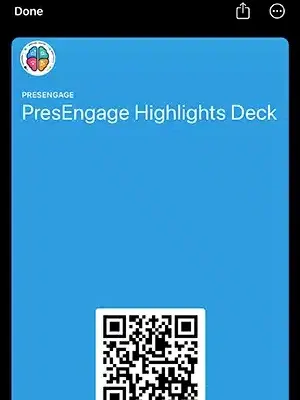
Turn your session into an Apple Wallet or Google Wallet pass attendees keep — one tap to re-engage, ask questions, and find your content after the talk.
Read
How to use a presentation clicker to step away from the podium — make eye contact, move freely, and truly connect with your audience.
Read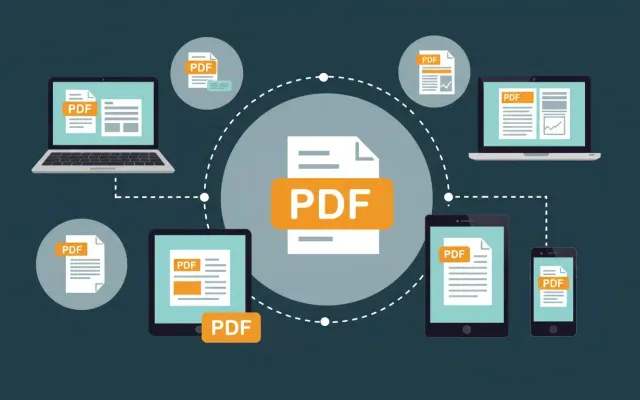
Convert PowerPoint to PDF in under 2 minutes -- plus Keynote, Google Slides, Prezi, and Canva. Step-by-step instructions for every app, with fonts intact.
ReadPresEngage® hosts real-time AI Q&A in any browser, so every guide in this collection becomes something your audience can actually feel. Free forever for up to 25 audience members.
No credit card · Free forever for up to 25 audience members · 14-day full-feature trial