
Lecture engagement for higher education
A Lecture Hall Where Every Student Can Ask
In a 200-seat lecture, the few who raise a hand are never the whole picture. With PresEngage®, students join app-free from any browser, ask privately, and your AI Co-Presenter answers the long tail of questions from your own materials -- so you stop being the single bottleneck for every question in the room.
- 0
Apps for students to install
- 24/7
AI answers between lectures
- 100+
Languages for international students
- 25
Students free
Common Higher Education Presentation Challenges
- The problemMost Students Never Raise a HandPresEngage solves itIn a large lecture, asking out loud feels exposed. Browser-based questions stay private to the room -- classmates never see who asked -- so every student can ask, and you finally see what the quiet majority is confused about.
- The problemThe Lecturer Is the Only BottleneckPresEngage solves itYou cannot answer 200 students one at a time. The AI Co-Presenter answers the long tail of routine questions from your own materials, freeing you to address the questions that need you.
- The problemYet Another App to Make Students InstallPresEngage solves itClicker hardware and required apps add friction. Students join from any browser by scanning a QR code or tapping a link -- nothing to download or buy.
Answer the Long Tail, Keep Your Focus on Teaching
PresEngage scales the Q&A that a single lecturer never can. Students join app-free from any browser, ask privately, and the AI Co-Presenter answers the routine questions from the lecture materials you uploaded -- in 100+ languages. Unlike clicker-and-poll tools such as Wooclap and Vevox, the focus here is on AI answering students' questions from your content, not just collecting responses.
- Students join app-free from any browser -- no clickers, no required downloads
- Questions private to the room surface what the quiet majority of the hall is confused about
- AI Co-Presenter answers the long tail from your own lecture materials
- Multilingual: international students ask and get answered in 100+ languages
- You stop being the single bottleneck -- routine questions get answered instantly
- Free for up to 25 students, then $29/mo as your sections grow
Built for the Long Tail of Student Questions
Students scan a QR code or tap a link, ask privately, and your AI Co-Presenter answers the routine questions from your lecture materials -- so you focus on the ones that need a teacher. Weighing tools? See the best Wooclap alternatives for 2026.
Want to ask the hall a question back? You can send live polls from your phone, multiple-choice or open-text and one at a time. That covers part of what a polling tool does, not quizzes or scoring. For a feedback session where candor matters, you can also turn on Anonymous questions for that presentation: it is off by default and works on the web Q&A page only.
- A companion to educators & trainers for the lecture hall
- Answers grounded in your own lecture materials, not the open web
- Patent-pending AI Co-Presenter -- see pricing
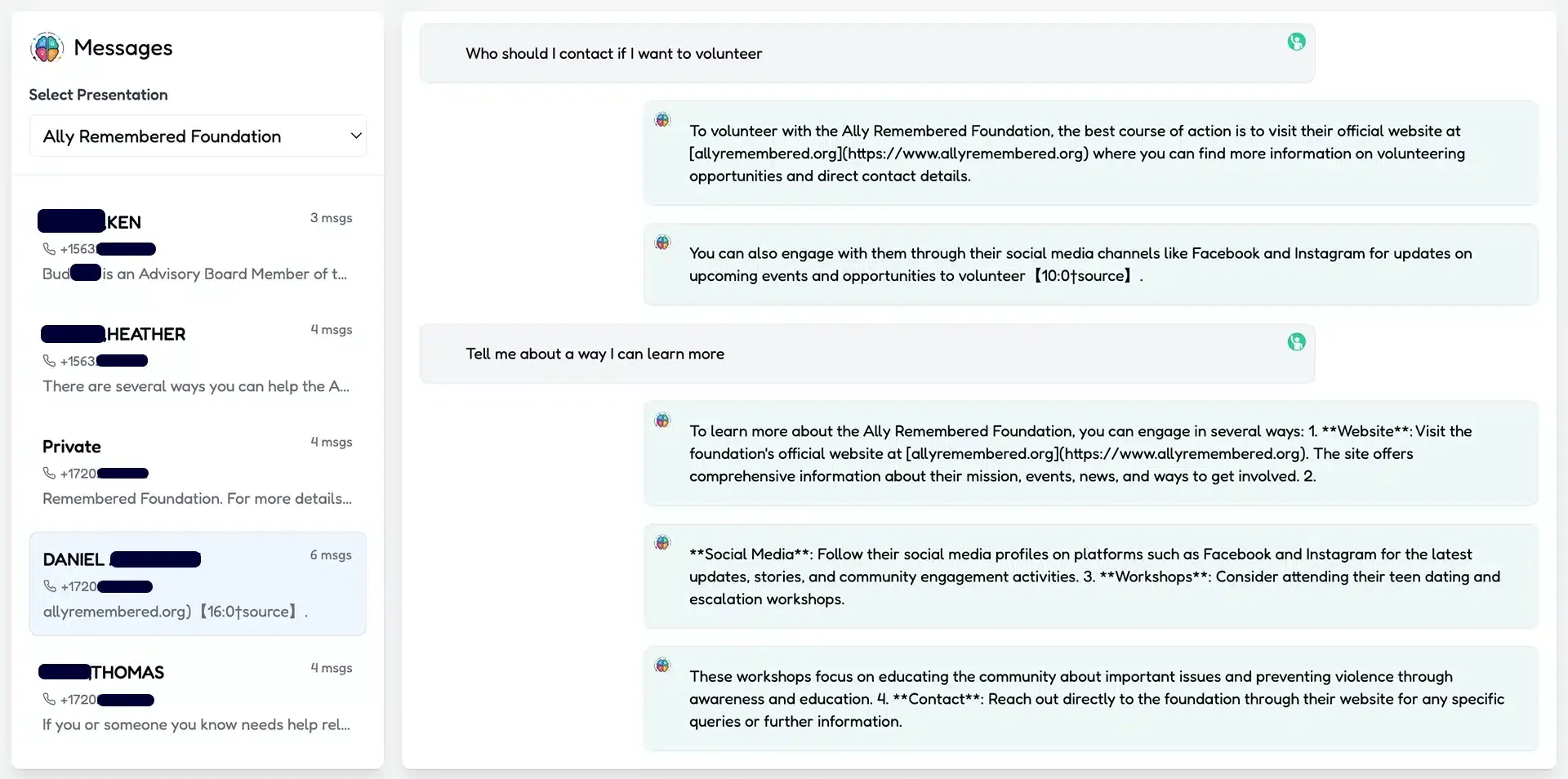
Lecture Engagement Questions
Do students need an app or a clicker?
No. Students join from any browser by scanning a QR code or tapping a link -- no clicker hardware to buy and no app to install. App-free joining keeps a large lecture moving.
How does AI answering differ from a polling tool like Wooclap or Vevox?
Polling tools collect responses to questions you pose. PresEngage adds an AI Co-Presenter that answers the questions students ask from your own lecture materials, so the long tail of routine questions gets handled without you. It also covers part of what a polling tool does: you can send a multiple-choice or open-text question from your phone, one at a time, and choose when the results show. It is not a quiz or scoring tool, so graded exercises still belong in a tool built for them.
Can students ask anonymously?
By default, no: students join with a name and email, and you see who asked in your Messaging Center. Their questions are private to the room, though -- no classmate sees who asked or what they asked -- which makes it easier to ask in a large hall. For a feedback session where candor matters more than contact details, you can turn on Anonymous questions for that presentation. It is off by default. When you turn it on, people on your web Q&A page ask without a name or email and you see them as Anonymous attendee. You get no contact for them, and no recap or follow-up email reaches them. PresEngage still receives the typed question, a random browser ID and an IP address used briefly to prevent abuse. It works on the web Q&A page only, and text messages, WhatsApp, Zoom and Google Meet still identify people.
Does it work for international students?
Yes. Students can ask in their own language and the AI Co-Presenter answers in that language, across 100+ languages -- helpful for international cohorts.
What does it cost for a course?
PresEngage is free for up to 25 students and $29/month as your sections grow. App-free joining, questions private to the room, and multilingual answers are included.
Don't take our word for it — be the audience.
This is a real PresEngage presentation, trained on PresEngage itself. Ask it anything and get a live, AI-generated answer on your device — no signup.
As seen on

89 leads captured in one 50-minute talk at Boulder Startup Week.
Read the case studyLet Every Student Ask -- Without Being the Bottleneck
Bring app-free, private, AI-answered Q&A to your next lecture.
No credit card · Free forever for up to 25 audience members · 14-day full-feature trial