
Town hall Q&A for internal comms
All‑Hands Where Employees Actually Speak Up
The questions employees most want answered at an all-hands are the ones they will never ask in front of colleagues. With PresEngage®, they ask privately from any browser (no colleague sees who asked), your AI Co-Presenter answers the routine ones from your materials, and Audience Intelligence shows the top themes -- so leadership can focus on what the room cares about.
- 24/7
AI answers after the all-hands
- 0
Apps to download
- 100+
Languages for global teams
- 25
Employees free
Common HR & Internal Comms Presentation Challenges
- The problemEmployees Will Not Ask in Front of EveryonePresEngage solves itThe questions that matter most at an all-hands stay unasked when the whole company is watching. Browser-based questions are private to the room -- colleagues never see who asked or what they asked -- so employees raise the real issues. You, the host, see names by default: say so up front, or turn on Anonymous questions for a town hall.
- The problemLeadership Cannot Tell What the Room Cares AboutPresEngage solves itA handful of vocal voices is not the whole company. Audience Intelligence groups every question into themes and counts how often each one was asked, so leadership addresses what the most people want answered.
- The problemThe Same Routine Questions Eat the Q&APresEngage solves itBenefits, policy, and process questions repeat every all-hands. The AI Co-Presenter answers those from your own materials, freeing leadership for the questions only they can answer.
An All-Hands That Hears the Whole Company
PresEngage gives HR and internal comms teams a town hall where every employee can participate. Employees join app-free from any browser -- just drop the link in your Teams chat or share the QR code -- and ask privately. The AI Co-Presenter answers the routine questions from the materials you uploaded, in 100+ languages, and Audience Intelligence shows the themes the most people asked about.
- Employees ask privately from any browser -- the real questions finally surface
- Audience Intelligence groups questions into themes and top questions, so leadership sees what the most people asked
- AI Co-Presenter answers routine benefits and policy questions from your own materials
- App-free joining -- share a link in Teams chat for distributed teams
- Multilingual: global employees ask and get answered in 100+ languages
- Free for up to 25 employees, then $29/mo as your all-hands audiences grow
Private, Themed, and AI-Answered
Employees scan a QR code or tap the join link — shared right in your Microsoft Teams chat — and ask privately. Your AI Co-Presenter answers the routine questions from your materials, and Audience Intelligence groups everything asked into themes. New to running these? Read how to engage a town hall or all-hands.
Some talks need candor more than contact details. For those, you can turn on Anonymous questions for a single presentation: it is off by default and works on the web Q&A page only.
- A role-framed companion to our town-hall & all-hands engagement guide
- Routine questions answered from your own materials, not the open web
- Patent-pending AI Co-Presenter -- see pricing
HR Town Hall Q&A Questions
Can employees ask questions anonymously?
By default, no: employees join with a name and email, and you see who asked in your Messaging Center. Their questions are private to the room, though -- no colleague sees who asked or what they asked. When candor matters more than contact details, you can turn on Anonymous questions for that presentation. It is off by default. When you turn it on, people on your web Q&A page ask without a name or email, and you see them as Anonymous attendee. You get no contact for them, and no recap or follow-up email reaches them. PresEngage still receives the typed question, a random browser ID and an IP address used briefly to prevent abuse. It works on the web Q&A page only, anyone with the link can join, and text messages, WhatsApp, Zoom and Google Meet still identify people. Tell employees up front who can see their names.
How does leadership see what the room cares about?
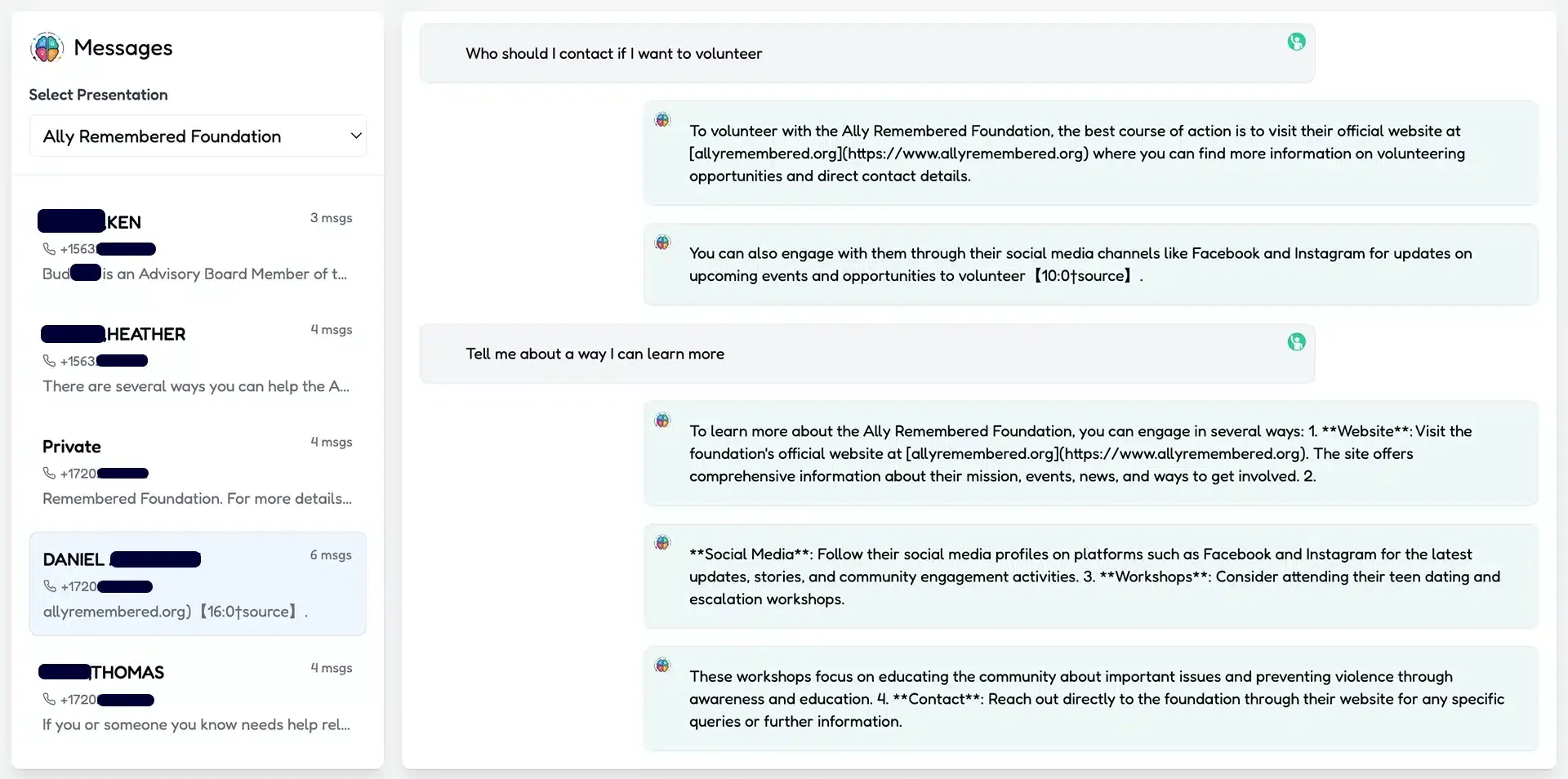
Every question and AI answer lands in your Messaging Center as it arrives. Audience Intelligence then groups the questions into key themes and lists the most frequently asked ones with how many times each came up, so leadership can address what the most people want answered instead of guessing.
What can the AI Co-Presenter answer?
It answers from the materials you upload -- benefits summaries, policies, process docs -- so the routine, repeat questions get handled instantly while leadership focuses on the questions only they can answer.
Do employees need an app, and does it work in Microsoft Teams?
No app is required. Employees join from any browser -- drop the join link in your Teams chat or meeting invite -- so distributed teams can participate from wherever they already are.
What does it cost?
PresEngage is free for up to 25 audience members and $29/month as your all-hands audiences grow. Questions private to the room, multilingual answers, and the AI Co-Presenter are included.
Don't take our word for it — be the audience.
This is a real PresEngage presentation, trained on PresEngage itself. Ask it anything and get a live, AI-generated answer on your device — no signup.
As seen on

89 leads captured in one 50-minute talk at Boulder Startup Week.
Read the case studyRun a Town Hall the Whole Company Joins
Let employees ask privately, answer the routine questions automatically, and see what the most people asked.
No credit card · Free forever for up to 25 audience members · 14-day full-feature trial