
Multilingual audience engagement
Engage a Global Audience in Their Own Language
When your audience spans the world, one language leaves most of the room behind. With PresEngage®, attendees ask questions in their own language and the AI Co-Presenter answers in it -- live, from your own slides and documents, across 100+ languages. No app to download, no interpreter to book.
- 100+
Languages answered live
- 0
Apps to download
- 25
Audience members free
- 60s
Setup time
Common Global Events Presentation Challenges
- The problemOne Language Leaves the Room BehindPresEngage solves itAttendees type a question in their own language and the AI Co-Presenter answers in that same language -- instantly, from your content. No one has to follow along in a second language to take part.
- The problemNon-Native Speakers Stay SilentPresEngage solves itPrivate, browser-based questions remove the fear of asking in a second language in front of a crowd. People who would never speak up now ask freely in the language they think in.
- The problemInterpreters Do Not Scale to Live Q&APresEngage solves itBooking interpreters for every language and every breakout is slow and costly. PresEngage answers the long tail of questions in 100+ languages at once, with no scheduling.
One Presentation, Every Language
PresEngage turns a single live session into a multilingual one. Attendees join from any browser by scanning a QR code or tapping a link -- including the Zoom and Google Meet side panels -- ask in the language they think in, and the AI Co-Presenter answers in that language, grounded in the slides and documents you uploaded.
- Attendees ask in their own language and get answered in it -- across 100+ languages, live
- AI Co-Presenter answers from your own slides and documents, not the open web
- Private questions let non-native speakers participate without the spotlight
- App-free joining from any browser -- no downloads for a multinational audience
- Questions in every language land in one Messaging Center, where you can read new ones in one of 36 languages
- Free for up to 25 audience members, then $29/mo as your global audience grows
Read new questions in your language too
Your audience asks in 100+ languages and gets answers from your AI Co-Presenter in the language they asked in. You can read new questions and AI replies in one of 36 languages: choose your language once in Profile Settings, or for a single presentation under Advanced Settings, and your Messaging Center shows each new message in it.
Each translated message carries a Translated from label and a Show original button, so the attendee's own words stay one click away. It is machine translation and covers new messages only. See how reading in your language works.
On a free account the Messaging Center locks once you pass the free plan's 25 audience connections, and the translated view goes with it.
The language barrier is bigger than most presenters realize
When an audience spans languages, the people who aren't confident in the presenter's language simply disengage. The research is striking: a 2023 study in PLOS Biology (Amano et al.), surveying 908 researchers, found that among non-native English speakers, a third give up attending -- and half give up presenting at -- international conferences, specifically because they lack confidence in English. That's not a comprehension gap; it's a participation gap. The same dynamic plays out in any multilingual webinar, conference, or multinational all-hands: the questions never get asked.
How Live Multilingual Q&A Works
An attendee in Tokyo types a question in Japanese; one in São Paulo asks in Portuguese. Each sees the answer in the language they asked in -- generated live from your uploaded content by the AI Co-Presenter.
- Ideal for global webinars, international conferences, and multinational all-hands
- Private and app-free, so non-native speakers join without friction
- Patent-pending AI Co-Presenter answers from your slides -- see pricing
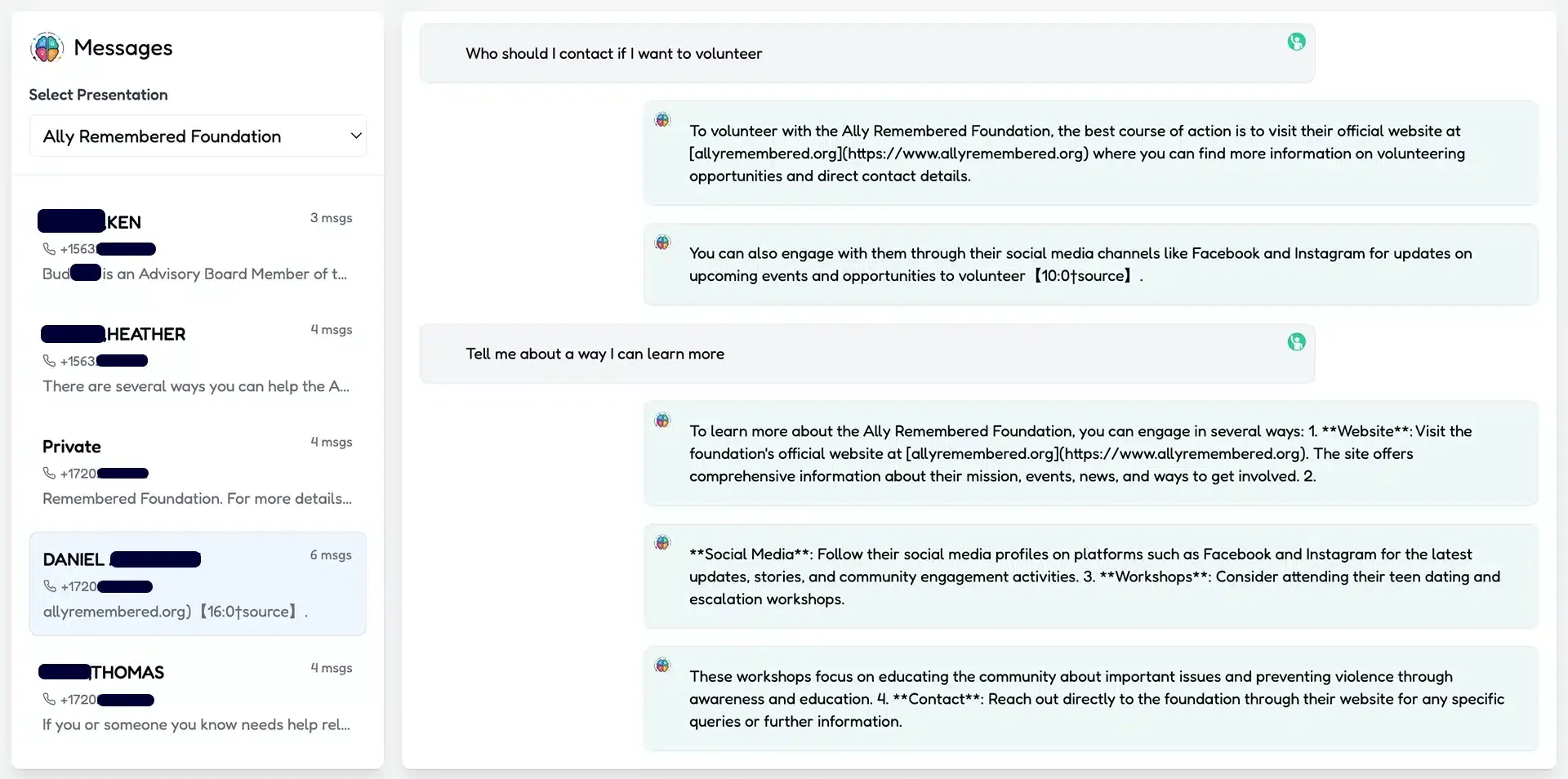
Multilingual Q&A Questions
How many languages can attendees ask and get answered in?
PresEngage supports more than 100 languages. An attendee types a question in their own language and the AI Co-Presenter answers in that same language, live, during your presentation.
Does the AI translate, or actually answer in another language?
It answers. The AI Co-Presenter reads the question in the attendee's language and responds in that language, drawing the answer from the slides and documents you uploaded -- not just a word-for-word translation. Separately, you can read new questions and AI replies in one of 36 languages.
Do international attendees need to download an app?
No. Everyone joins from any browser by scanning a QR code, tapping a link, or opening the Zoom or Google Meet side panel. App-free joining matters most for a global audience on mixed devices.
Can I read my audience's questions in my own language?
Yes. Choose one of 36 languages once in Profile Settings, or for a single presentation under Advanced Settings (Presenter language), and you can read new questions and AI replies in it in your Messaging Center. Audience Insights is written in your language too, and the participants download adds a translated conversation column. Your audience is not affected: attendees keep asking in their own language and get answers in it.
Can I see what an attendee actually wrote?
Yes. Every translated message carries a Translated from label and a Show original button, so the attendee's own words are one click away. It is machine translation, it covers new messages only, and a message that is already in your language is shown as written.
Does reading in my language cost extra?
No. It is part of the Messaging Center, which is on every plan. On a free account the Messaging Center locks once you pass the free plan's 25 audience connections, so the translated view goes with it.
Where do the answers come from?
From your own content. You upload your slides and supporting documents, and the AI Co-Presenter grounds its multilingual answers in that material, so responses stay on-message in every language.
What does multilingual Q&A cost?
PresEngage is free for up to 25 audience members and $29/month as your audience grows. The 100+ language capability is included -- there is no separate translation add-on.
Don't take our word for it — be the audience.
This is a real PresEngage presentation, trained on PresEngage itself. Ask it anything and get a live, AI-generated answer on your device — no signup.
As seen on

89 leads captured in one 50-minute talk at Boulder Startup Week.
Read the case studyBring Every Language Into the Conversation
Run your next global webinar, conference, or all-hands where everyone can ask in their own language.
No credit card · Free forever for up to 25 audience members · 14-day full-feature trial