
Virtual meeting Q&A
Eliminate Virtual Meeting Fatigue with Off‑Screen Engagement
Transform boring video calls into interactive experiences. Browser-based Q&A works in the Zoom and Google Meet side-panels -- or from any phone browser. Boost participation without adding screen fatigue.

- 2
Native side panels: Zoom and Google Meet
- 0
Additional apps needed
- 100+
Languages supported
- 60s
Setup time
Common Video Conferencing Presentation Challenges
- The problemMeeting Fatigue is RealPresEngage solves itEngagement stays off-screen. Attendees ask from their phone browser while watching your presentation -- no additional screen fatigue.
- The problemChat Gets BuriedPresEngage solves itVideo platform chat scrolls fast and disappears. Questions asked through PresEngage® are answered by AI and stay accessible to attendees.
- The problemHybrid Meeting ChallengesPresEngage solves itThe browser-based experience works identically for in-person and remote attendees. True engagement equity in hybrid meetings.
Interactive Meetings Without the Fatigue
Video conferencing fatigue is real, and adding more on-screen tools makes it worse. PresEngage moves engagement off-screen -- attendees ask from their phone browser or the meeting side-panel while watching your content, reducing cognitive load.
- Browser-based engagement stays off-screen, reducing video conferencing fatigue
- Works with every video platform: Zoom, Teams, Meet, Webex, and more
- Attendees ask questions from their phone browser -- no additional screen windows
- Built into the Zoom and Google Meet side-panels
- AI answers questions instantly so meetings stay on schedule
- Equal engagement for in-person and remote hybrid attendees
- Meeting analytics track engagement across all your video calls
Works with Every Platform
Drop PresEngage into any video call -- Zoom, Teams, Meet, Webex, and more -- and keep engagement entirely off-screen.




Works with Every Video Platform
Display your Audience Connect slide during any video call. Attendees scan the QR code or tap the link to join from their phone browser -- or use the meeting side-panel -- completely off-screen from the video meeting.





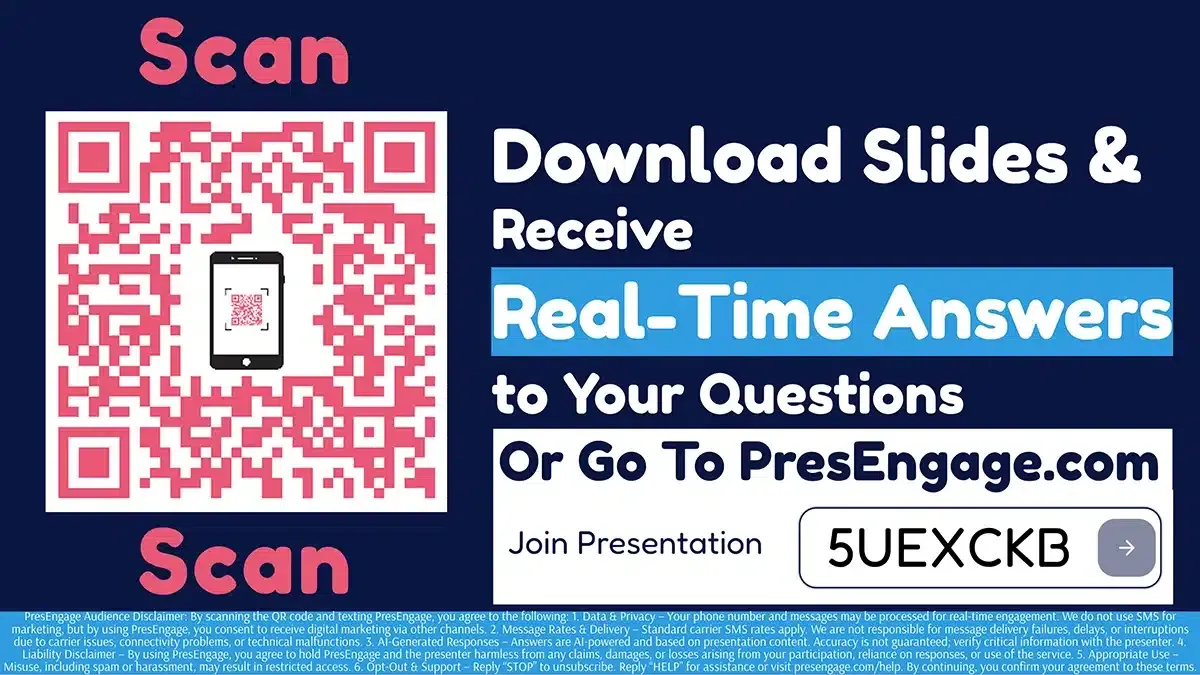
Don't take our word for it — be the audience.
This is a real PresEngage presentation, trained on PresEngage itself. Ask it anything and get a live, AI-generated answer on your device — no signup.
As seen on

89 leads captured in one 50-minute talk at Boulder Startup Week.
Read the case studyFix Your Virtual Meetings
Add engagement without adding fatigue. Browser-based Q&A for every video platform.
No credit card · Free forever for up to 25 audience members · 14-day full-feature trial