
Interactive PowerPoint presentations
Make PowerPoint Interactive with Real‑Time Q&A
Transform static PowerPoint decks into engaging, interactive experiences. Add AI-powered audience Q&A in the browser in 60 seconds -- no plugins, no add-ins, no IT approval needed.
No credit card · Free forever for up to 25 audience members · 14-day full-feature trial
What You Get
Any PowerPoint Deck
Works with every PowerPoint deck -- export it as a PDF, upload it, and add interactivity instantly.
AI-Powered Audience Q&A
Your AI Co-Presenter answers audience questions instantly, grounded in your slides and notes, in 100+ languages.
No Plugins Required
Unlike PowerPoint add-ins that break or need IT approval, PresEngage works alongside PowerPoint. Zero installation, zero compatibility issues.
60-Second Setup
Export your PowerPoint as PDF, upload to PresEngage, and present. Your AI Co-Presenter is ready before you finish your coffee.
Simple Setup, Powerful Results
- 1
Export Your PowerPoint
Save your presentation as a PDF. Include speaker notes by choosing "Notes Pages" layout for richer AI responses.
- 2
Upload to PresEngage
Drop your PDF into PresEngage. Your AI Co-Presenter trains on your content in under 60 seconds.
- 3
Present and Engage
Run your PowerPoint normally. Add the Audience Connect slide, and audiences engage in their browser while AI handles Q&A.
PowerPoint + AI = Unbeatable
Billions of presentations are built in PowerPoint every year. Now every one of them can be interactive. Whether you're presenting in a boardroom, classroom, or convention hall, PresEngage® adds real-time browser-based Q&A without changing your workflow. Keep using the tool you know, and add the engagement your audience deserves.
Interactive PowerPoint Presentations with PresEngage
Add an Audience Connect slide to any PowerPoint deck and your audience scans, asks questions in their browser, and gets instant AI answers -- no add-ins, no IT approval. Present the deck you already have, now fully interactive.
See It In Action
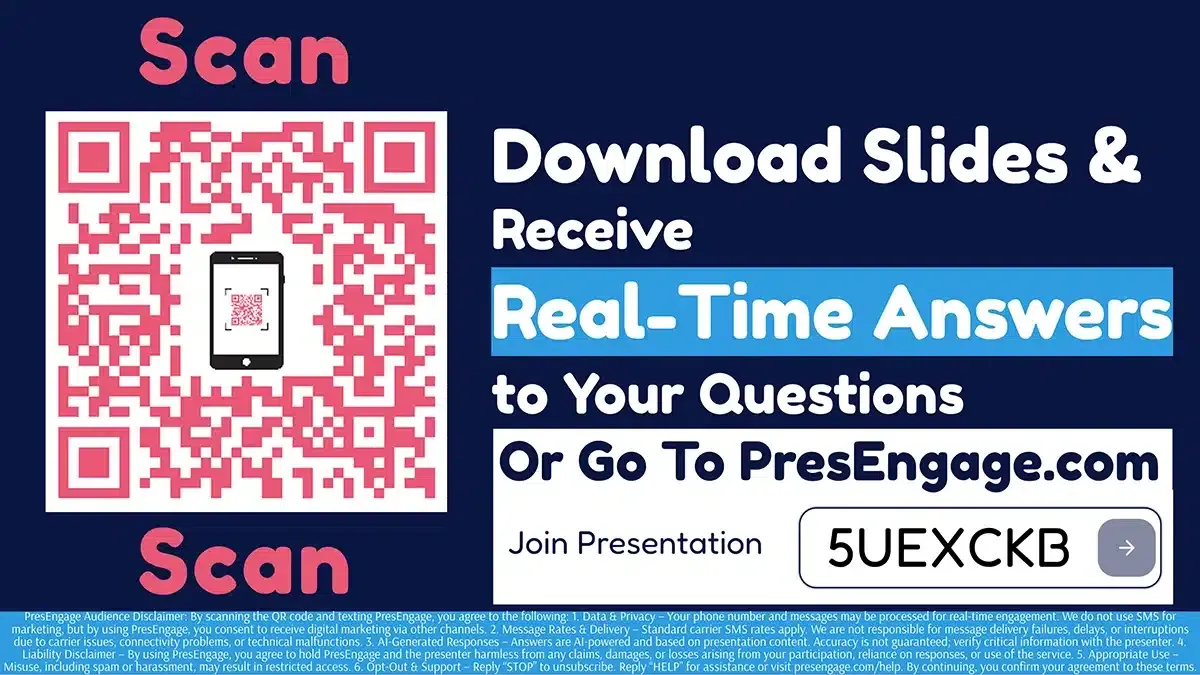
Audience Connect Slide
Works With Your Stack














Transform Your Next PowerPoint
Add AI-powered interactivity to any PowerPoint deck. No plugins needed.
No credit card · Free forever for up to 25 audience members · 14-day full-feature trial