
 +PresEngage
GoTo Meeting Q&A
Boost GoToMeeting with Interactive Q&A
Add AI-powered Q&A to any GoToMeeting session, right in the browser. No downloads required for participants, no disruption to your meeting flow. AI answers questions instantly while you present.
No credit card · Free forever for up to 25 audience members · 14-day full-feature trial
Why Add PresEngage to GoToMeeting?
Browser-Based Q&A
GoToMeeting participants ask questions from their browser. No GoToMeeting app features needed -- just scan a QR code or tap a link.
AI-Powered Responses
Your AI Co-Presenter handles questions in real time, with answers grounded in your own content.
No Downloads Required
Attendees don't need any additional software. The web works on every phone and laptop without any installation.
Keep Meetings Flowing
AI handles Q&A silently while you present. No interruptions, no awkward pauses, just seamless engagement.
How It Works with GoToMeeting
- 1
Upload Your Content
Add your meeting materials to PresEngage. AI learns your content in under a minute.
- 2
Share QR Code
Display the Audience Connect slide during your GoToMeeting screen share.
- 3
Engage in the Browser
Participants scan, ask in their browser, and get AI answers instantly. You present without interruption.
Better Q&A for GoToMeeting
GoToMeeting is reliable and straightforward, but its engagement features are limited. PresEngage adds the interactive layer your meetings need.
- Add structured Q&A without changing your GoToMeeting workflow
- AI answers questions so you stay on track
- Browser-based questions, private to the room, encourage participation from all attendees
- Works with any GoToMeeting plan
Inside the GoToMeeting Experience
See how PresEngage® adds interactive Q&A to your GoToMeeting sessions.

Works with any GoToMeeting video conference.
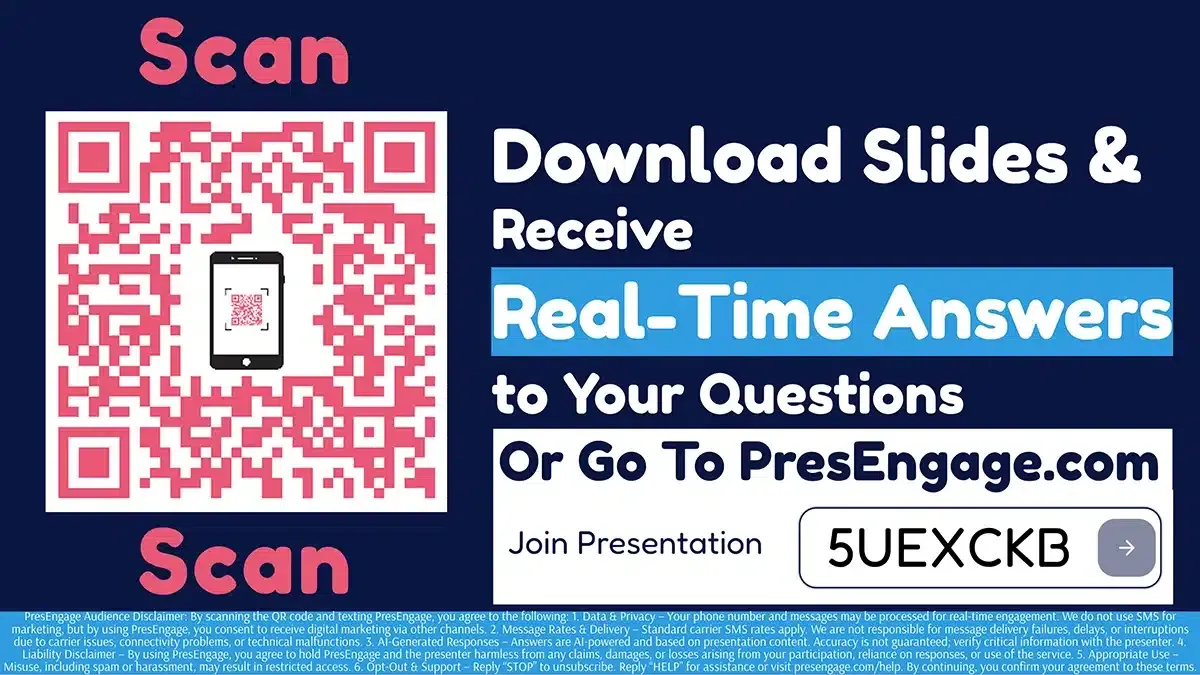
Share the Audience Connect slide to start engagement.
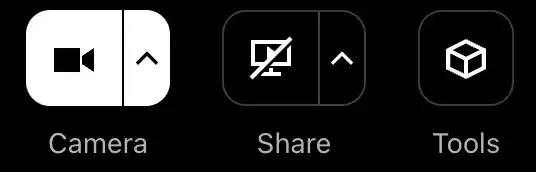
Screen share the QR code directly in GoToMeeting.
PresEngage works alongside GoToMeeting via screen sharing. No GoTo admin configuration needed. Compatible with all GoToMeeting plans.
Also Works With










Upgrade Your GoToMeeting Experience
Start your free 14-day trial. No credit card required.
No credit card · Free forever for up to 25 audience members · 14-day full-feature trial